No description
| Assets | ||
| Backgrounds | ||
| Components | ||
| Previews | ||
| COPYING | ||
| LICENSE | ||
| Main.qml | ||
| metadata.desktop | ||
| preview.png | ||
| README.md | ||
| theme.conf | ||


🗼 Tokyo Night SDDM 🗼
A Tokyo Night theme for the SDDM Login Manager
Preview
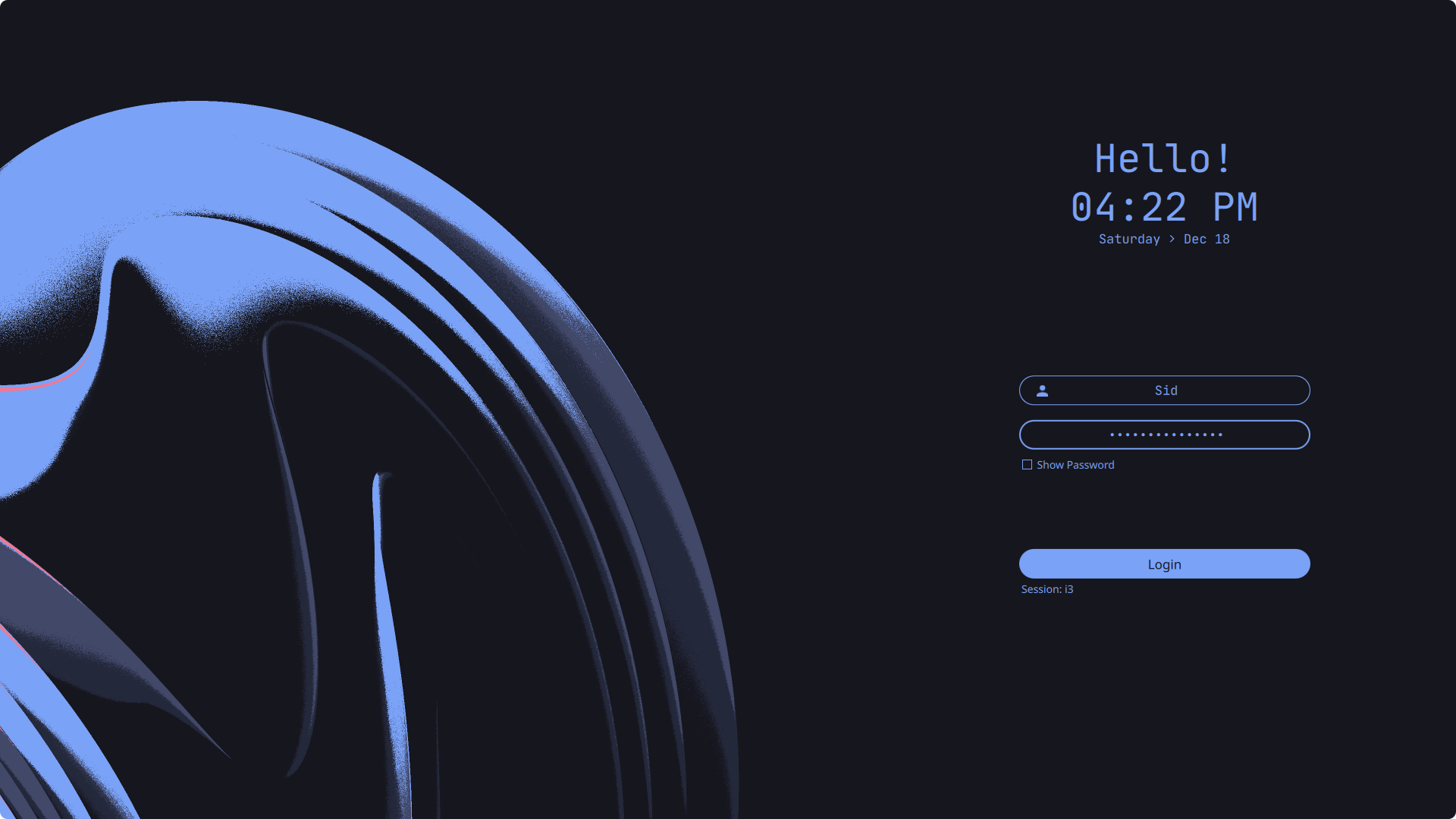
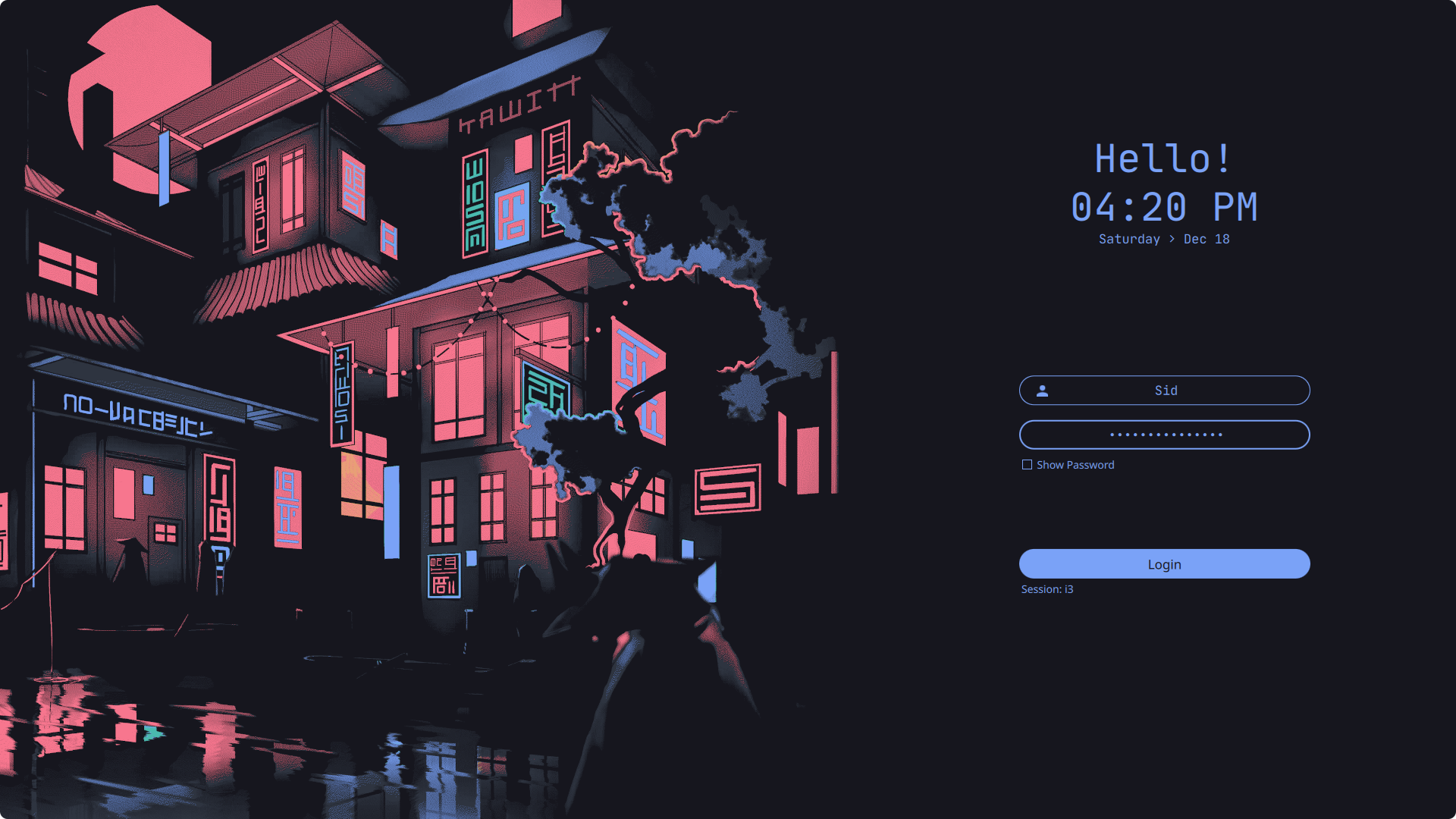
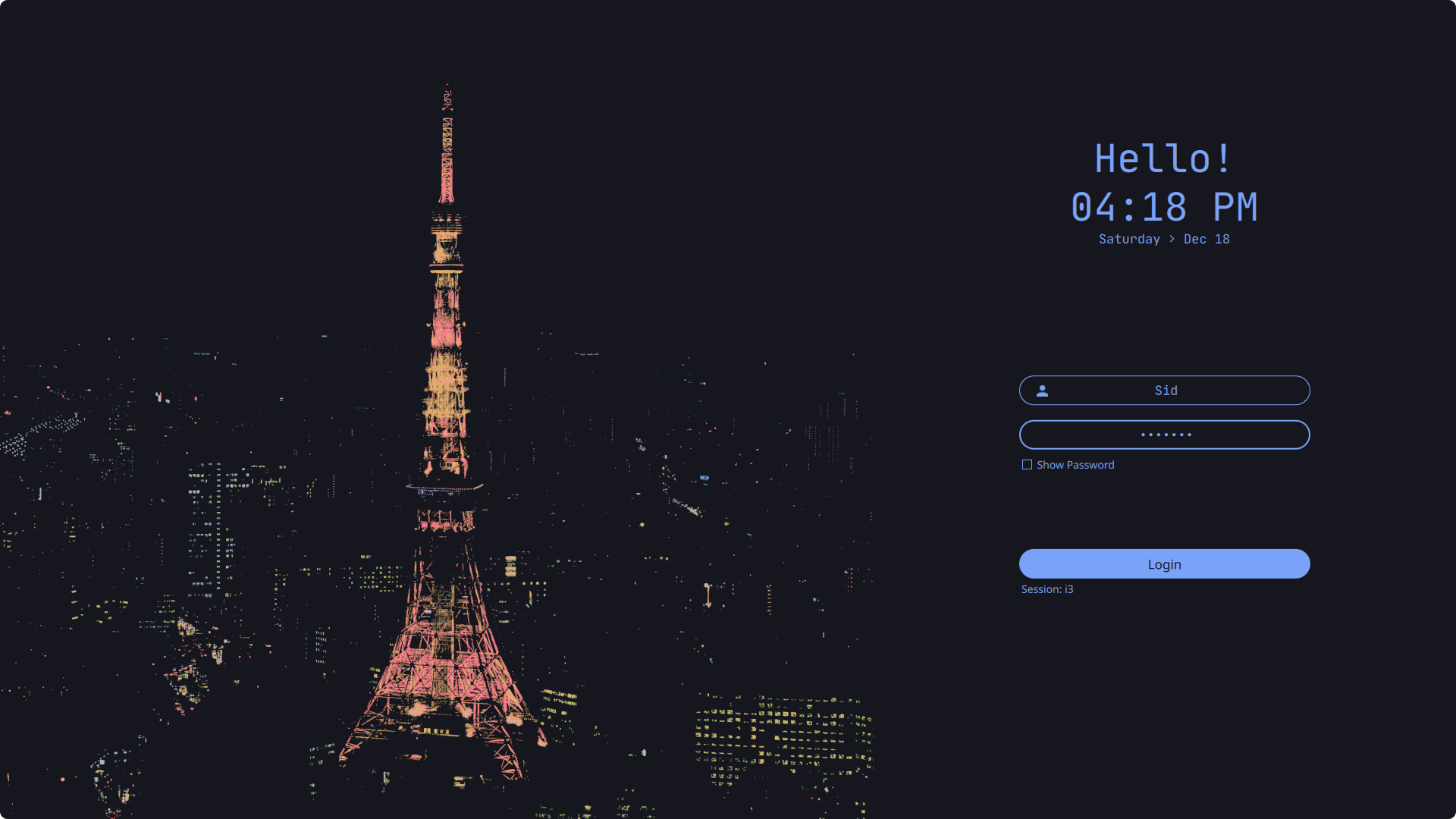
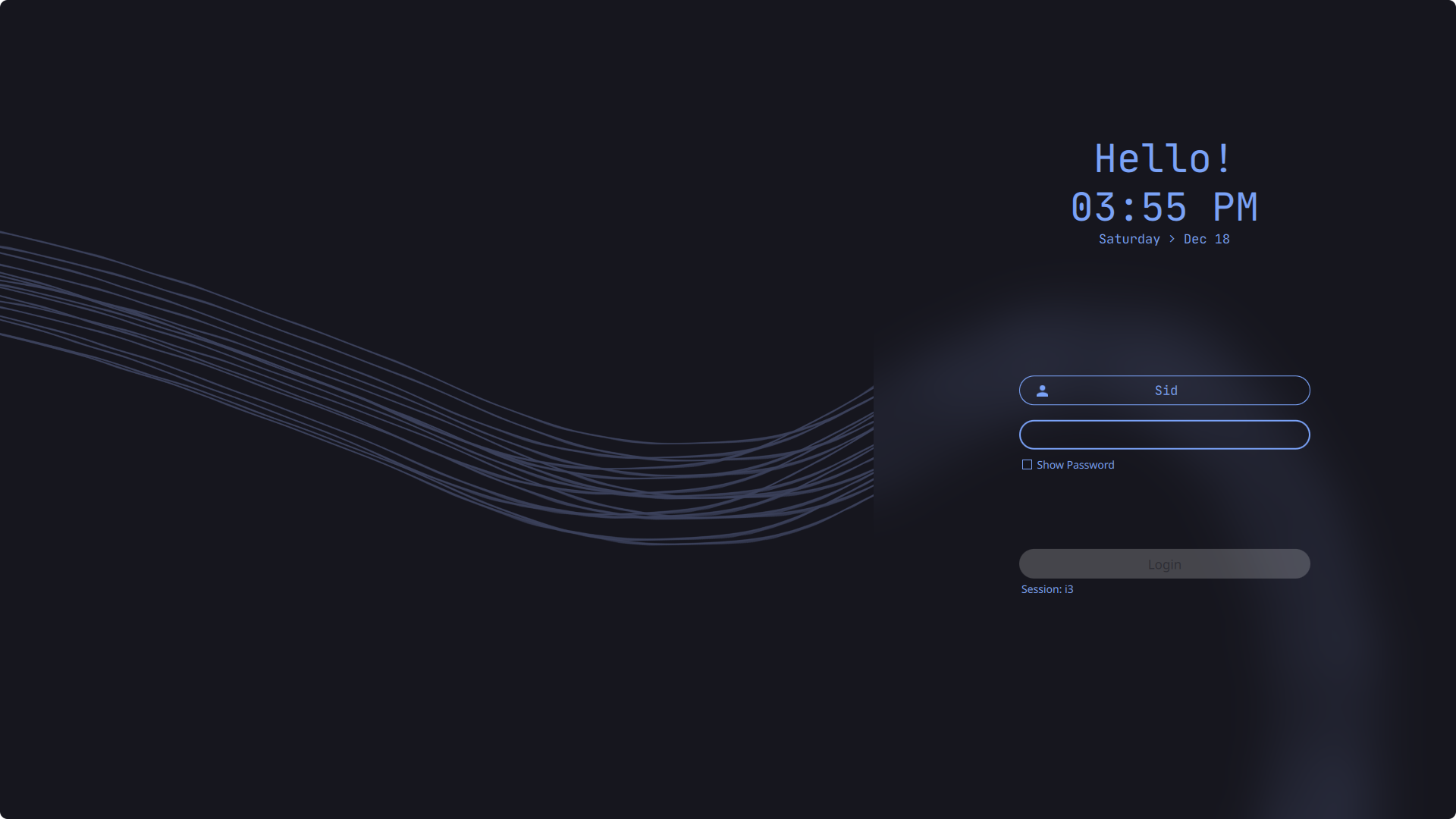
More Previews
Install
Assumes that you've installed and configured SDDM correctly (if not read more)
-
Open terminal, and clone the repository with:
git clone https://github.com/rototrash/tokyo-night-sddm.git ~/tokyo-night-sddm -
Them move it as follows:
sudo mv ~/tokyo-night-sddm /usr/share/sddm/themes/
Common Step
Edit the /etc/sddm.conf (with any text editor with raised privileges, so that it looks like this:
sudo nano /etc/sddm.conf  # use any text editor with raised privileges
---
[Theme]
Current=tokyo-night-sddm
Language and time format
- You can also change the time format.
- To change the default wallpaper put desired image in the
tokyo-night-sddm/Backgrounds/folder and add the name of the image followed by its extension (.jpgor.png) intheme.conffile. - You can also customize it further if you wish in the
theme.conf(blur, form position, etc).
Credits
Based on the theme Sugar Dark for SDDM by MarianArlt.